

 Analysis by Gamescozy
I approached Disney Solitaire as a quick card game for the small gaps in a day, rather than something that needs a long, uninterrupted session. That is where its Disney theme and familiar solitaire format make the most sense: I can focus on a puzzle, make a few decisions, and leave when I have had enough. Its card challenges and collectible memories give the familiar routine a themed sense of progress, though the core appeal still depends on whether you enjoy solitaire in the first place.
How a typical session works
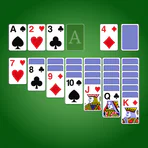
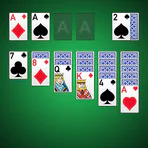
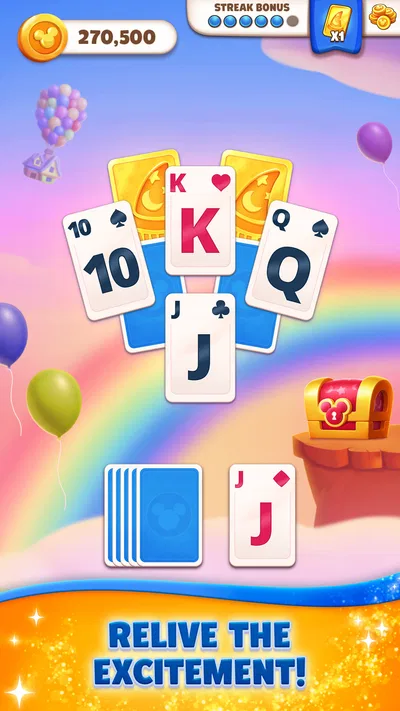
At its heart, this is a card game built around completing solitaire challenges. I like that the basic premise is easy to understand without a tutorial-heavy commitment: look at the layout, consider which cards to uncover or move, and work toward clearing the challenge. The Disney presentation adds a reason to continue from one puzzle to the next, but it does not change the fact that each round asks for the patience and planning associated with solitaire.
The most useful way to play, in my experience, is to treat each attempt as a short decision-making exercise. Before moving a card, I check whether the move reveals something useful or simply shifts the problem around. That small pause matters: a legal move is not always a helpful move. When several choices are available, I prefer the one that opens up more of the layout, rather than making the first move that looks convenient.
A realistic use case is a short break between errands or during a quiet moment at home. I can play a challenge without needing to coordinate with other people or learn a complicated control scheme. If I have only a minute, I can still make a few moves; if I have longer, the memory-collection progression gives me a reason to keep going. It is a better fit for flexible, stop-and-start play than for someone looking for a deep campaign with a strong narrative arc.
The game is free to download, and it is developed by SuperPlay. It is rated for Everyone, so its general presentation is aimed at a broad audience. The current version is 1.26.3, and the listed minimum operating-system requirement is 7.1. Those details make it straightforward to judge basic compatibility, but the more important question is whether the pace of solitaire suits your habits.
Why the Disney layer changes the feel
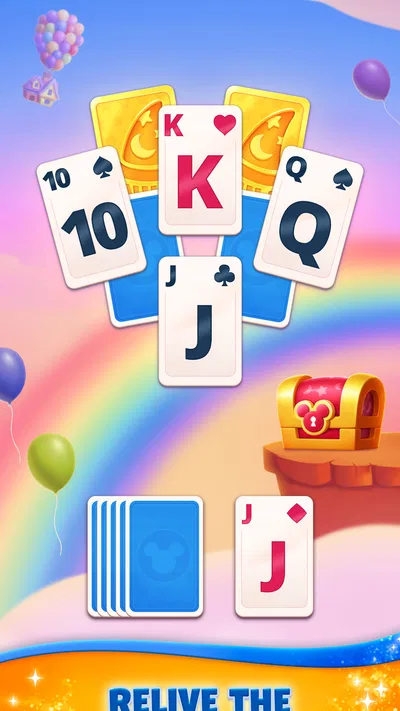
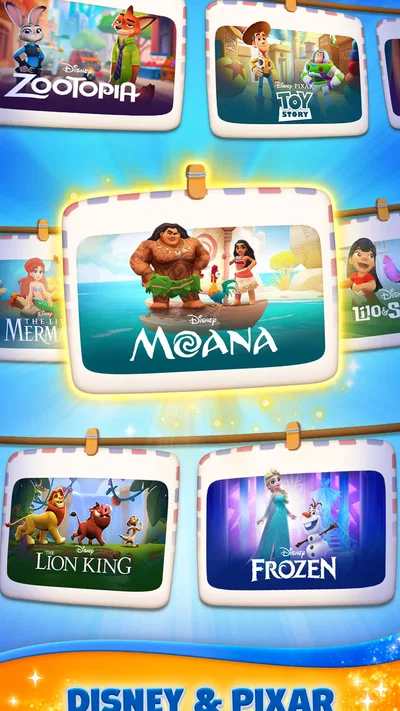
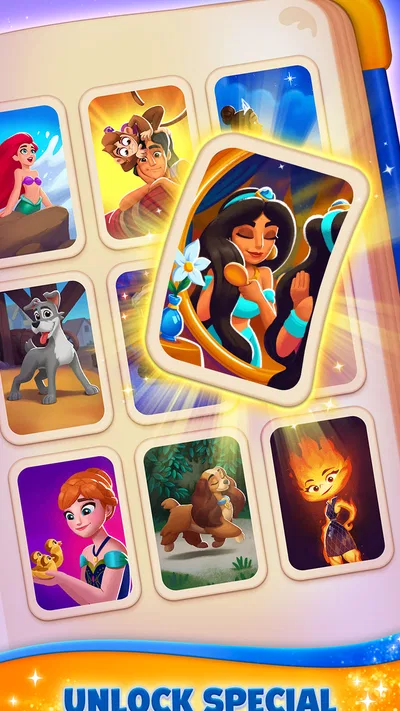
The themed memories give a familiar card format a more specific identity than a plain solitaire app. I find that this can make repeated challenges feel less anonymous: there is a visual reward tied to continuing, not just the satisfaction of clearing a layout. Still, the theme is a companion to the card play, not a substitute for it. If you do not enjoy sorting cards and thinking through sequences, Disney characters alone are unlikely to hold your attention for long.
This also makes the game easy to share across different kinds of players. Someone who already knows solitaire can concentrate on the decisions, while a Disney fan may enjoy the collecting side even if they are not chasing perfect play. I would not assume that every player will value those parts equally. For me, the card puzzle needs to remain enjoyable; the memories work best as a bonus that gives sessions a little more purpose.
Habits and settings that make play smoother
I recommend checking the available settings before settling into a routine. In a card game, small preferences around sound or presentation can affect whether a session feels relaxing or distracting, especially if you are playing in a shared room or during a commute. I would keep the setup simple, change only what bothers me, and then leave it alone for a few sessions. That makes it easier to tell whether the issue was the setting or simply the natural pace of the puzzle.
I also avoid assuming that every option or control works the same way across devices. A useful habit is to try the interface at a calm moment, rather than during a challenging round: check how you select and move cards, notice any prompts, and learn where the game’s available controls are. Once the interaction feels familiar, you can focus on the layout instead of fumbling through the screen. I would not count on an undocumented shortcut; the safest approach is to use only controls the game clearly presents.
For a repeatable session, I use a simple three-step rhythm: scan the exposed cards, identify moves that might uncover new information, then reassess after each reveal. This prevents me from playing on autopilot. If a move does not improve the layout, I pause and compare the alternatives before committing. The habit is useful even when a puzzle is straightforward because it reduces careless choices without turning a casual game into homework.
Another practical tip is to separate “I want a relaxing round” from “I want to make progress.” When I am tired, I play at a comfortable pace and accept that I may not make the most efficient choice. When I am focused, I pay closer attention to what each move opens up. That distinction helps keep the game enjoyable: trying to optimize every card can drain the light, casual mood that makes a quick solitaire session appealing.
How to build a faster, repeatable rhythm
Experienced players can speed up without relying on tricks the game may not support. I scan for the most informative move first: a move that exposes a hidden card or creates a useful sequence is often more valuable than one that merely tidies the visible cards. Then I take a brief second look at the newly changed layout. That reset is important because the best next move may only become clear after the board changes.
I would also resist tapping through decisions just to finish faster. In solitaire, speed can be false efficiency if it means overlooking a better route. A steady rhythm—scan, choose, reassess—usually feels quicker than repeatedly undoing or correcting rushed choices, where those options are available. The key is not to memorize a universal sequence, since different layouts call for different choices, but to make the same thoughtful check each time.
For players who like collecting, it helps to set a modest session goal, such as completing a challenge or making progress toward the next visible reward, rather than playing indefinitely. This keeps the reward loop from taking over the break you intended to take. If you find yourself continuing only because you feel obliged to finish a collection, step away and return when the card play itself sounds fun.
Compared with a traditional solitaire app, this one offers a more overtly themed progression through Disney memories. A stripped-down alternative may suit someone who wants only the cards, minimal visual framing, or a purist’s focus on solitaire. On the other hand, a broad card-game collection may offer more variety when you tire of one format. I would choose this game when I want solitaire with a recognizable Disney atmosphere, not when I want a large menu of unrelated card games.
Where the experience has limits
The main limitation is also the game’s defining choice: it stays centered on solitaire challenges. Players hoping for multiplayer competition, a wide rotation of card formats, or a story-led adventure should look elsewhere. The collectible framing gives the rounds context, but it does not make every session feel fundamentally different. If repeated layouts and incremental progress are not satisfying to you, the appeal may fade even if the presentation is polished.
There is also a spending consideration. The game is free, but it includes optional in-app purchases ranging from $0.99 to $149.99 per item. I would decide before playing whether I am comfortable with optional purchases, and keep any spending limit clear—particularly on a shared device. The existence of purchases does not mean you need to buy anything to try the game, but players who prefer an entirely purchase-free environment may want a different solitaire app.
Progression can be motivating, yet it can also make a casual game feel like a checklist. My advice is to enjoy the memory rewards when they arrive rather than treating them as a task that must be completed quickly. If a challenge becomes frustrating, a short break is often better than spending money or repeatedly playing while annoyed. The game works best when the reward structure supports the card puzzle, rather than becoming the only reason to open it.
Its reach suggests that it has found a sizable audience: it has over 10 million installs, an average rating of 4.8, and around 883,000 ratings. I read that as evidence of broad interest, not a guarantee that every player will like its pace or progression. Ratings cannot tell you whether you prefer themed solitaire to a bare-bones card table; a short trial is a more useful test.
Who I would recommend it to
I would recommend it to Disney fans who already enjoy solitaire, casual players who want a low-pressure game for brief sessions, and anyone who likes a simple card routine with visible collection progress. It is particularly suitable if you enjoy making small tactical choices but do not want every play session to require a large time commitment. Its Everyone age rating also makes its general audience clear, though adults should still consider purchase controls when a device is shared.
I would skip it if I want a competitive multiplayer experience, frequent changes of game mode, or a pure solitaire interface without themed rewards. It may also be a poor fit if I tend to feel pressured by collectibles or optional purchases. In those cases, a simpler solitaire app—or a card collection with several different games—would be a more comfortable choice.
Overall, I see Disney Solitaire as a pleasant, focused take on a familiar card pastime, with the Disney memory collection adding a reason to return without replacing the need for satisfying puzzles. My best advice is to check the settings once, learn the on-screen controls, and use the scan–move–reassess rhythm rather than tapping impulsively. If that style of play sounds relaxing, it is easy to recommend as a free starting point; if you want greater variety or a strictly no-purchase environment, choose another card game instead.